
What if your phone’s volume button was much more useful than you realize? We often only use it to adjust the sound, but it actually hides several handy functions that can save you time and improve your mobile experience.
Here are six tips you absolutely need to know !
The six amazing functions of the phone’s volume control
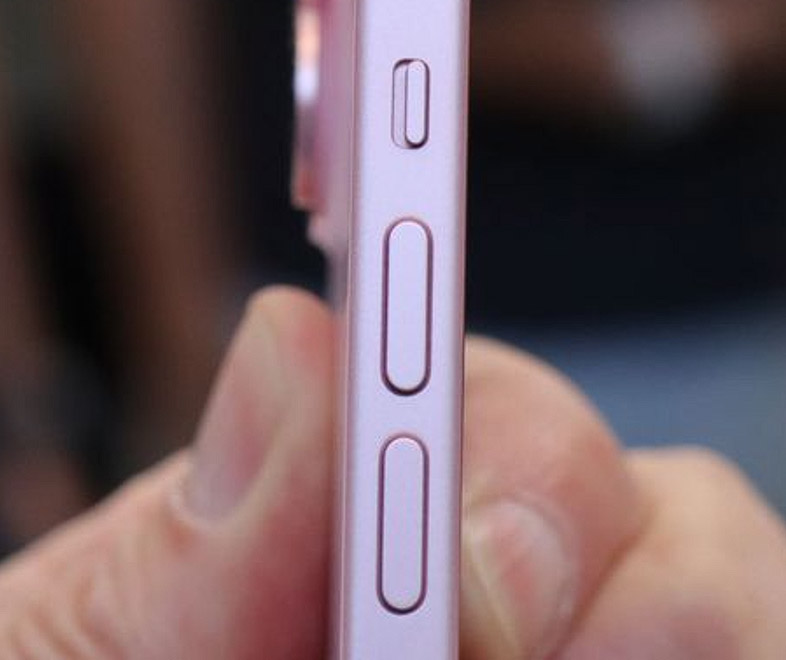
Quickly mute calls and notifications
Are you in the middle of a meeting, in a library, or simply busy, and your phone starts ringing ? Instead of panicking while trying to undo or fumble with the settings, simply press the volume button to instantly mute the ringer.
The call is not rejected, but it continues to ring silently , giving you time to decide whether to accept it.
This trick also works for alarms and notifications : A simple press is enough to mute them without turning them off completely .
Turn off the flashlight quickly.
Your flashlight has served you well in the dark, but you don’t want to unlock your phone to turn it off?
On some smartphones, double-tap the volume down button to turn it off immediately.
Tip : If this feature is not enabled by default, check in the quick settings or use a dedicated app.
Adjust the volume without opening the settings.
Do you want to lower the ringtone volume or adjust the audio of a video? You don’t need to go into the settings !
By simply pressing the volume buttons, you can directly adjust the sound of calls, notifications, alarms, or playing media .
Some phones even offer the option to assign specific settings to each type of sound via the volume control .
Easier photography
Tapping the screen to trigger the camera can be awkward, especially if you are holding your phone with one hand .
Did you know that you can use the volume buttons as a trigger?
- Press a volume button to take a photo, just like with a normal camera.
- Press and hold to record a video.
On some models, this option must be enabled in the camera app settings .
Take a screenshot immediately
Do you need to gather information quickly ?
Press the power button and the volume down button simultaneously : The screen will be recorded immediately.
Depending on your smartphone, an editing bar may appear where you can annotate or share the image .
Ideal for recording booking confirmations, conversations, or other important information .
Turning the pages of an e-book
Lovers of digital reading will appreciate this tip!
Some reading apps allow you to turn pages using the volume buttons without touching the screen .
Perfect for reading on the go or with one hand !
Check your reading app’s settings to enable this feature, if available.
A small touch for maximum possibilities
The volume control on your phone is more than just a sound setting ; it allows you to interact with your device faster and more intuitively .
These features, which are often unknown, can really simplify your life .
Try them out today and fully utilize the hidden features of your smartphone !


0 Comments:
Enregistrer un commentaire